FeatureMTX: General
Configuration Search Columns
The configuration search list - on the Configurations tab, under a company's Configurations and on a ticket's Configurations tab - now has an Edit Columns button () next to Create. Tick the columns you want, drag them into the order you want, and the list remembers your choice wherever you sign in. Reset returns the standard columns.
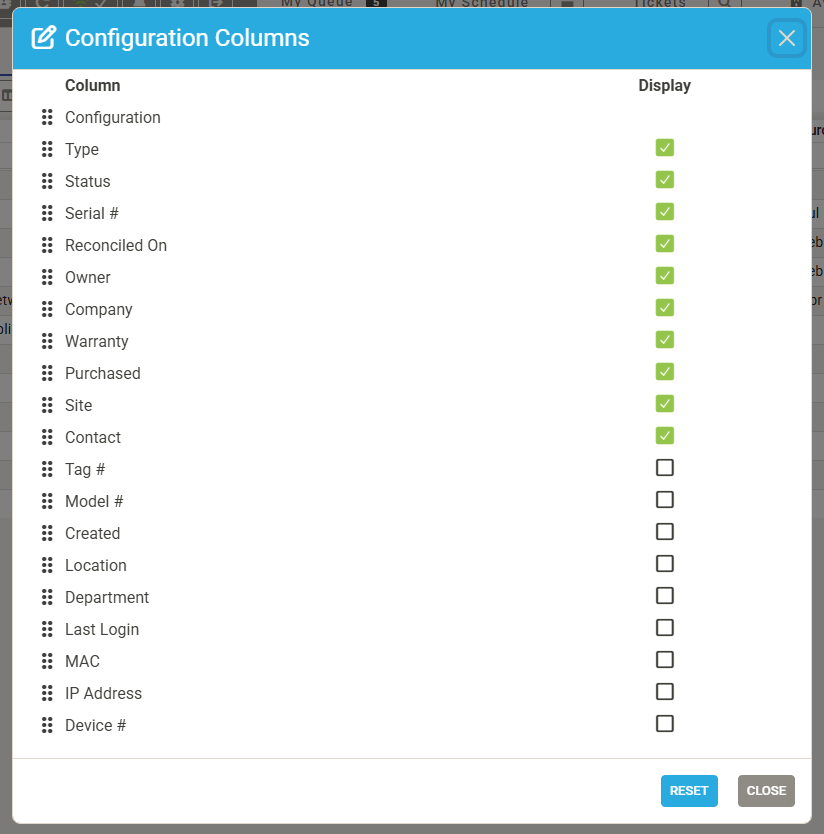
Every ConnectWise configuration custom field is offered as a column too. Custom-field columns display the value only; sorting and filtering stay on the standard columns.