FeatureMTX: My Schedule
Link an Activity to a Ticket
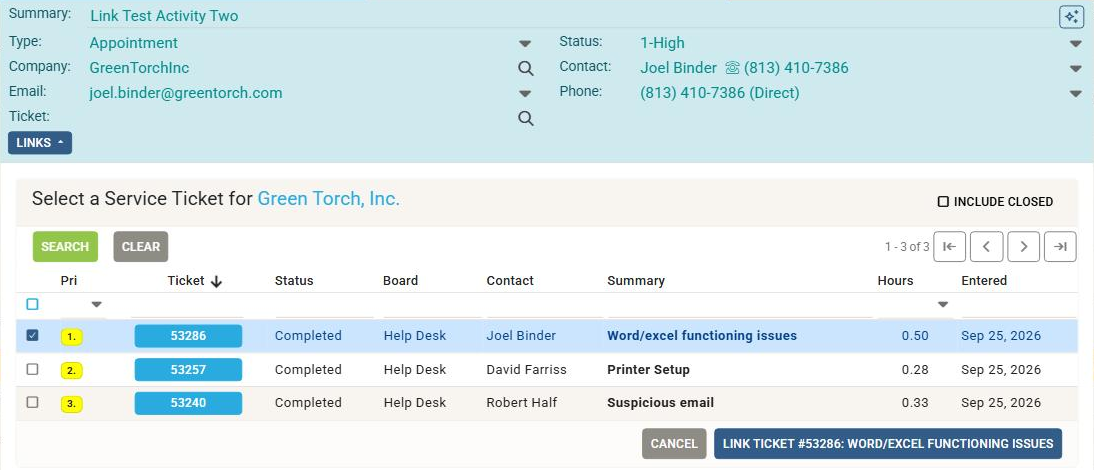
An activity now has a Ticket field next to Company and Contact, like the Ticket picker on ConnectWise's Activity screen. Click it to pick a service ticket from the ticket search list: when the activity has a company only that company's tickets are offered, otherwise every company is searched. Once linked, the activity moves under the ticket and appears on its Scheduling tab, and the ConnectWise activity is updated to reference the ticket.
To detach an activity, open the ticket's Scheduling tab and click the x beside the Ticket on the activity's card. The activity keeps its type, status, notes, members and time entries either way. As with activities linked in ConnectWise, a linked activity's member counts as a resource on the ticket.