FeatureMTX: Tickets
Request TSI on Ticket Creation
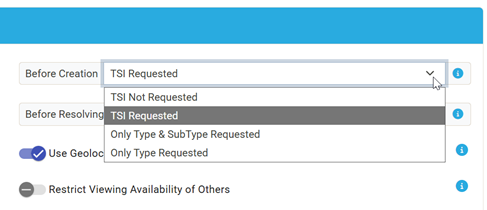
TSI information can now be requested as part of the ticket creation process. The ticket creator can skip entering TSI at any time if it is not yet known. By default, TSI will not be requested.
31 changes, newest first.
TSI information can now be requested as part of the ticket creation process. The ticket creator can skip entering TSI at any time if it is not yet known. By default, TSI will not be requested.
The following two changes have been made to the drag-n-drop functionality of the Ticket Queue:
By default, scheduled tickets that appear within the queue are dynamically sorted based on their schedule record's start time. If is now possible to resort scheduled tickets within the queue and ignore the start time. This is helpful for tickets that do not need a specific start time and one wishes to control the order in which they are resolved.
Tickets with their Customer Responded flag set or are In Progress or PSR status, will now be displayed at the top of the queue and their queue position cannot be reordered. If you wish to move any of these tickets to a different queue position, you must either remove their Customer Responded flag or change their status from In Progress and PSR.
As some ticket statuses, such as "Completed~", can be configured to send an email notification to the ticket contact, the contact can end up with two email notifications, one for an email drafted in MTX and another email update sent by ConnectWise for the status change.
By enabling this feature, MTX will skip sending a separate email when a ticket status is already configured to send notifications and a drafted email was provided. If the ticket status selected is not configured for email notifications, MTX will send any drafted emails as usual. This setting can be found under Nilear -> Settings -> My Tickets.

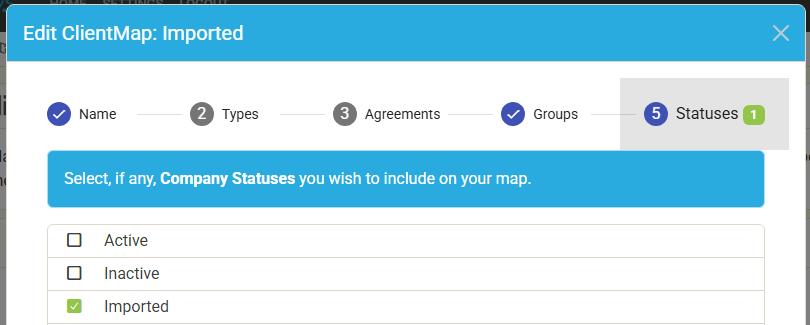
Nilear has launched a new service, MyUserList.com, that allows your customers' point of contact and/or accounts payable contact to access their ConnectActive reports.
You can grant end-users access to this service under the Reporting tab of their ConnectActive sync settings page.
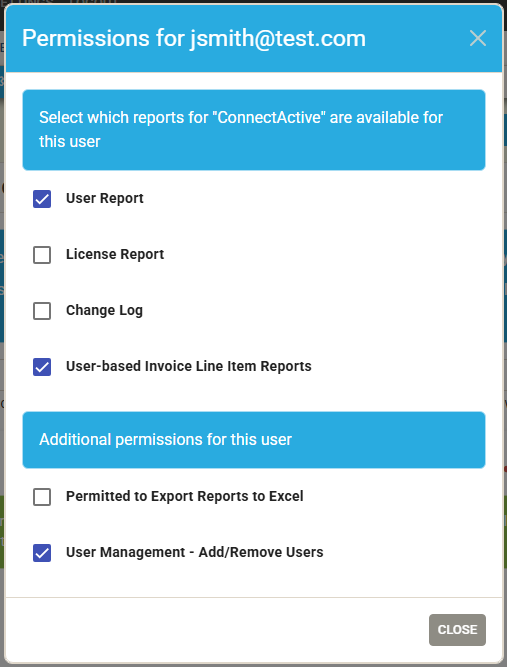
ClientMapper now includes the option to include clients based on their Company Status.
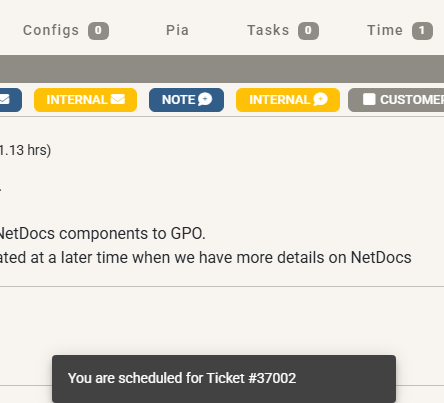
When viewing a ticket for longer than 2 and 1/2 seconds that has one or more unacknowledged schedule records assigned to you, MTX will automatically acknowledge the schedule records and display a message stating that you have been schedule for the ticket.
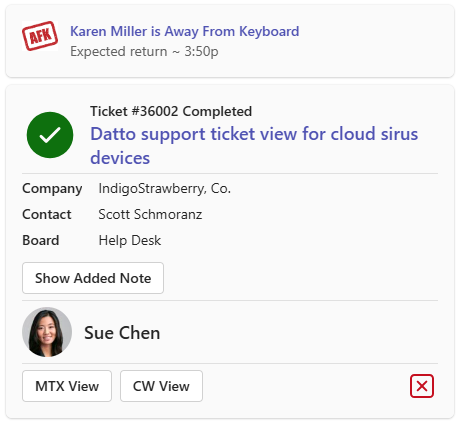
The Availability Board will now differentiate a member's unavailable color based on if the user will be returning today or not.

Tickets with their "Customer Responded" flag enabled will now be displayed in the ticket queue for any assigned resource, regardless of queue or schedule status.
We have finished revamping our Nilear Live product. This update includes the following changes:
When viewing a ticket's properties, the SLA field will now display the ticket's current SLA status/deadline in addition to the name of the SLA it has been assigned.

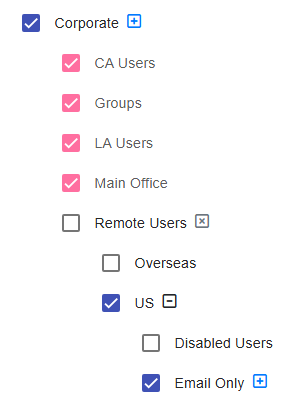
You can control if a selected OU should include its decedent OU entries for OU Filtering and OU Agreement Addition Mapping.
When setting a ticket's Type, SubType or Item, you can now use the autocomplete feature to find a value.

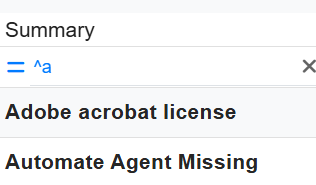
You can now limit column filtering results with the "Starts With" option by placing a caret ^ at the start of your filter.
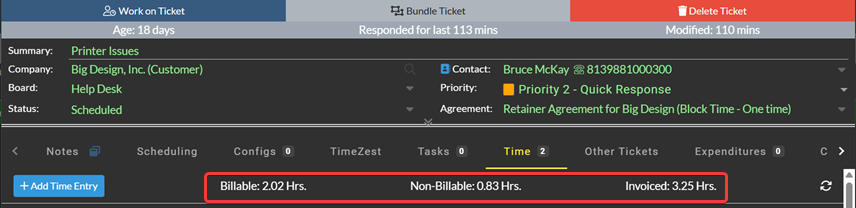
Total billable, non-billable and invoiced hours can now be seen under the Time tab of the ticket summary.
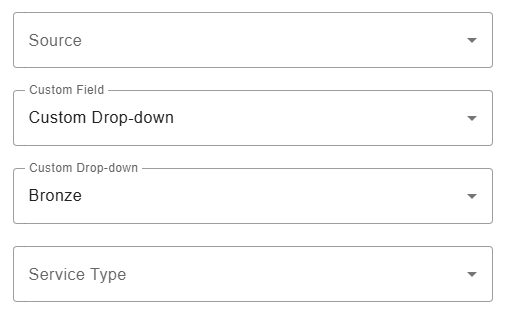
You can now use custom fields for queue targeting rules matching criteria.
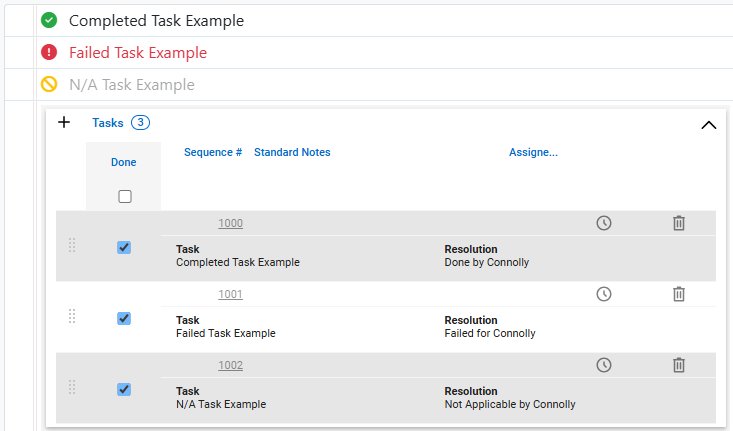
Ticket Tasks that are marked as Done/Failed/NA and do not have pre-existing resolution notes will now have their resolution notes updated to record the state of the task and who completed the task.
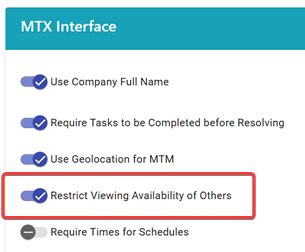
You can now restrict non-managers and non-administrators from seeing the availability of other users within Time Machine and the Availability tab within My Tickets. This setting can be found within Settings > My Tickets > Interface. Please note that this setting will also restrict chips on Time Machine.
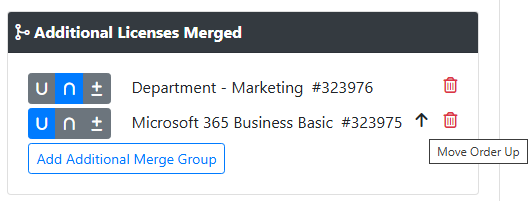
When merging groups together for agreement additions, you can now control the order of the merge operations.
You can now control if MTX Budget Alerting is enabled by board. This setting can be found under Nilear -> Settings -> Board Types (https://app.nilear.com/settings/boards)

If an individual has access to multiple Nilear instances, they will now be asked to select which instance they wish to access at login.
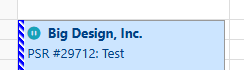
Calendar views in MTX will now include the icon to indicate a PSR schedule record.
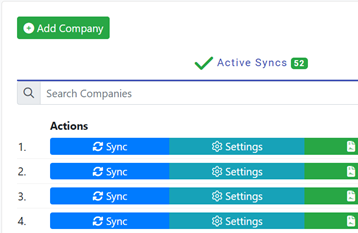
You can now search your list of existing companies sync'd by name to find what you are looking for more easily.
You can now create a ticket directly from a configuration. After ticket creation, the config will be attached automatically.
The list of projects is now paginated, searchable and sortable. A link to open the project in CW has also been added.
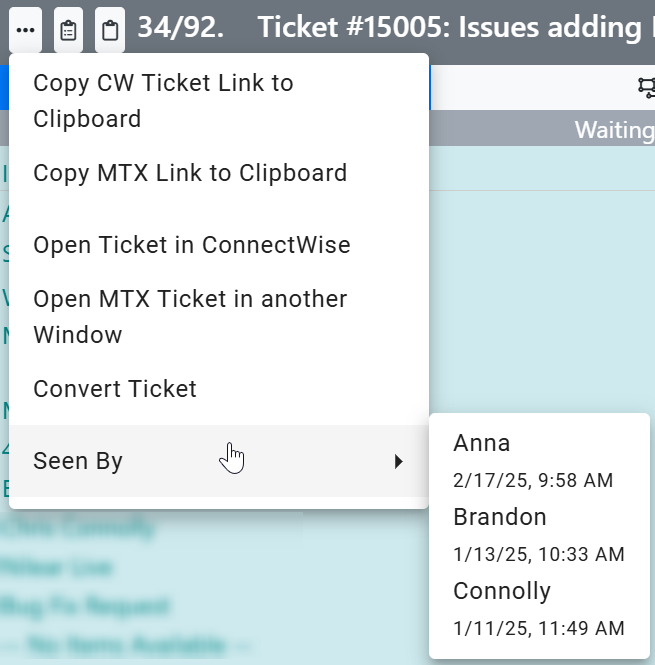
You can now display who has viewed a ticket and when, helping teams monitor ticket activity more effectively.
To enable the display of this information, Admins can go to Settings > My Tickets > MTX Interface
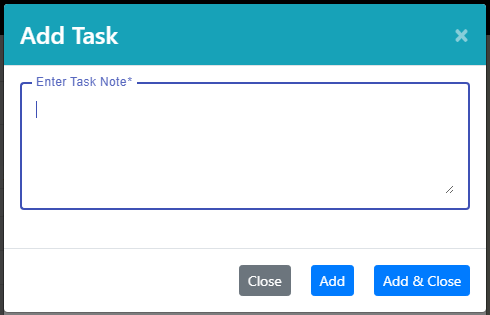
When adding a ticket task, you can now add multiple tasks at once by either clicking the "Add" button rather than the "Add & Close" button or by hitting enter to start the next task.
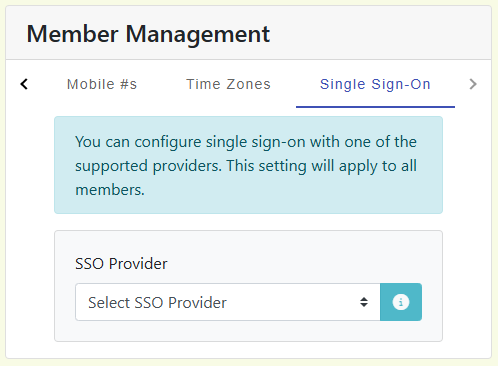
Nilear now supports Single Sign-On (SSO) with Microsoft 365 and Google Workspace!
Admins can enable SSO under Settings > Member Management > Single Sign-On
In addition to company notes, you can now manage contact notes with MTX as well as flag contact notes to appear on every ticket for the contact. Contact notes can be found under the Company Notes tab of a ticket or activity.

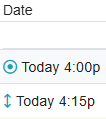
When viewing the ticket listing for the Tickets or My Queue tabs, the Date column will now show a dot-circle icon if the schedule for the ticket is firm and an up-down arrow if the schedule is shiftable.
This feature will rollout for tickets and schedule records created/updated after today.
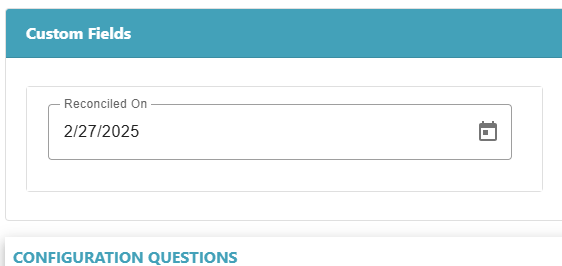
MTX will now display custom fields for configurations.
MTX's "My Schedule" provides a streamline view of scheduled work that is either past due, due today or planned for a future date. It also provides additional filters to help one reduce their scheduling clutter to the schedules that need to be focused on now.
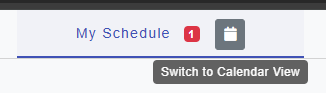
The "My Schedule" tab now provides an option to switch to a "My Calendar" view, providing one with a standard calendar view of the scheduled work -- unfiltered and including historic/closed schedules.
When viewing other individuals' "My Schedule", you have the option to view their "My Calendar" as well.