FeatureMTX: Tickets
Save a Working Note as a Standard Note
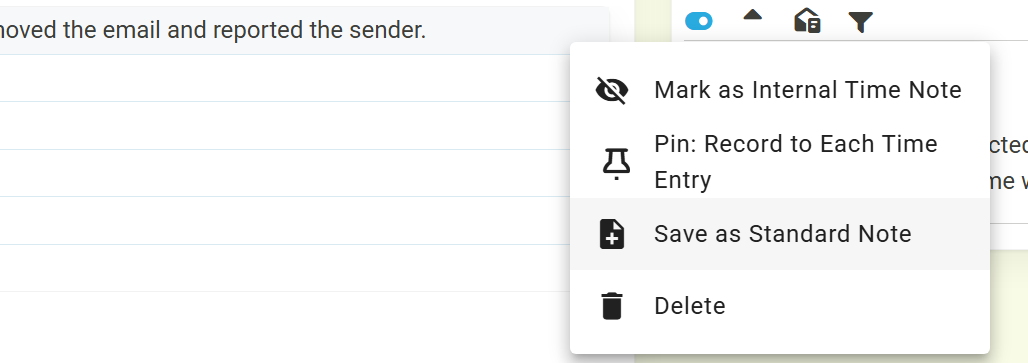
Write a note you will want again? Open the ... menu to the right of the note in Working Notes and choose Save as Standard Note. Give it a name and it is added to the Add Note list straight away, ready to use on your next ticket.
Standard notes are kept in ConnectWise and are shared: everyone in your company sees them in their Add Note list. By default a saved note is offered only on tickets of the same board; tick Show on all boards to offer it everywhere. Notes with images cannot be saved.