Edit a Contact's Custom Fields
The Edit Contact window, opened from a ticket's Address Book or from the New Ticket contact step, now has a Custom Fields card between the email and phone cards and the contact types. It lists the contact custom fields defined in your ConnectWise, with the right editor for each: text, number, percent, date, checkbox, hyperlink, password or a list of options. Fields marked read-only in ConnectWise are shown but cannot be changed, and fields hidden from the screen in ConnectWise do not appear.
Edits wait for SAVE CHANGES like every other field in the window, and closing without saving asks whether to discard them. Fields ConnectWise marks as required are highlighted and must be filled before the contact is saved or created.
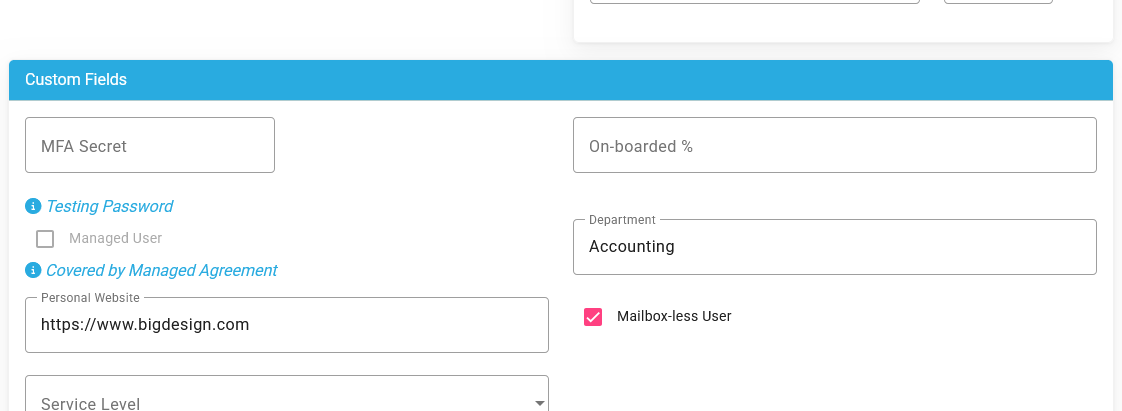
The New Contact window shows the same card with empty fields; what you enter is saved with the new contact. After a save, the contact's card in the Address Book shows the new values straight away.