FeatureMTX: Tickets
Edit and Delete Standard Notes
Fix a typo in a standard note or remove one you no longer use, without leaving MTX. Open the Add Note list and choose Manage standard notes... at the end.
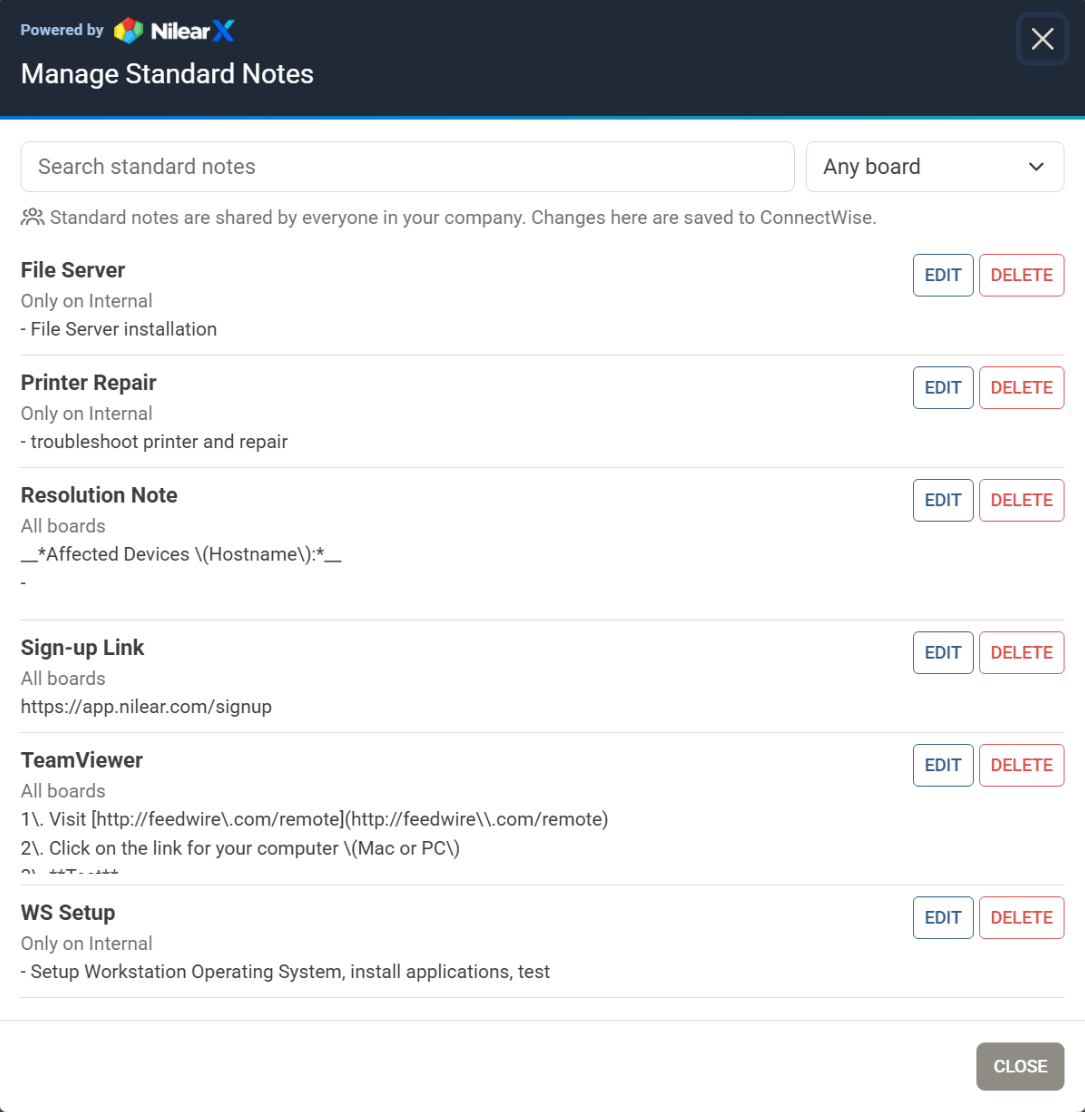
Search the list, or narrow it to one board with the board menu beside the search box. It opens on the ticket's board. Then choose Edit to change a note's name, text or board, or Delete to remove it. Your own Add Note list updates straight away.
Standard notes are kept in ConnectWise and shared, so an edit or a delete applies to everyone in your company. Notes you already added to tickets are not changed.