UpdateMTX: Tickets
Fewer Tabs in the Ticket Summary
The ticket summary's tab bar now shows the tabs used most: Notes, Scheduling, Support Advisor, Time, Tasks, Configs and Attachments, plus any pods you docked. The others are under More.
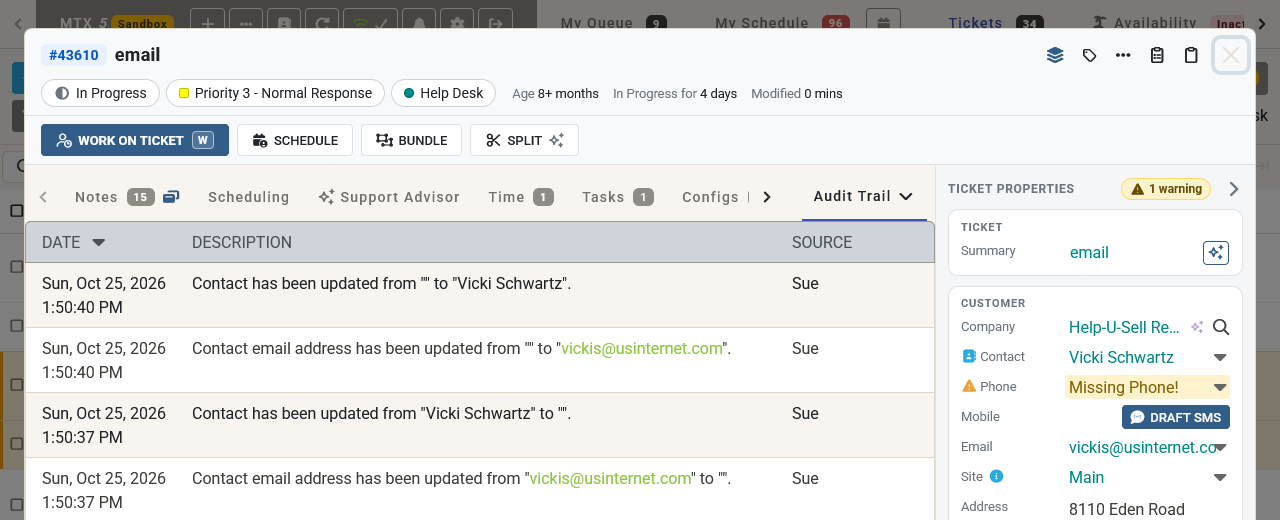
- More lists Other Tickets, Expenditures, Custom Fields, Pods, Finance, Company Notes and Audit Trail. While one of them is open, More shows its name.
- Use the pin beside a tab in More to keep it in the bar. Your browser remembers your pins. Unpin it from the Pinned section of the menu.
- The Notes tab shows how many notes the ticket has.
- Press 1 to 9 to jump to the bar's tabs, and M to open More. Press ? to see them.
- A link that opens a ticket at a tab, for example a time entry on your timesheet opening the Time tab, now always lands on that tab.