FeatureMTX: Tickets
Keyboard Shortcuts for the Ticket List
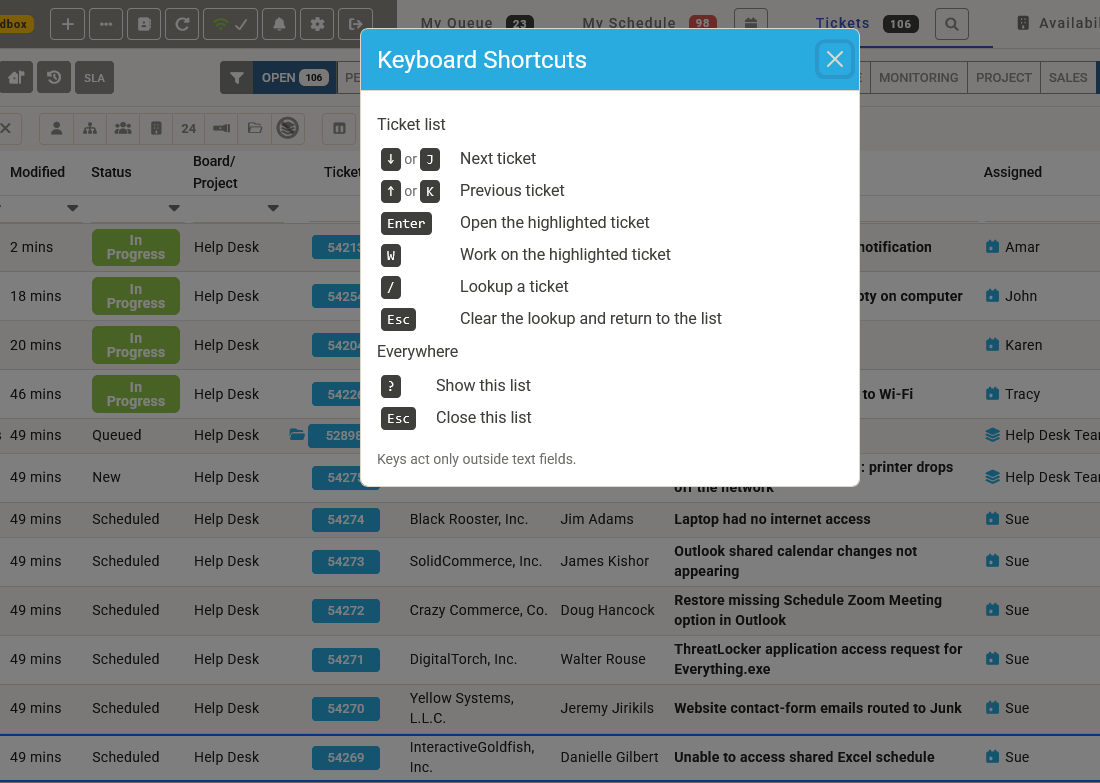
The ticket list on the Tickets and Queue tabs can now be driven without the mouse. A highlighted row shows which ticket the keys act on.
- ↓ or J and ↑ or K move the highlight, continuing onto the next or previous page at the edge.
- Enter opens the highlighted ticket's summary.
- W opens the highlighted ticket and starts Work on Ticket, with the same checks and confirmations as the button. Inside an open ticket summary, W does the same.
- / jumps to the Lookup Ticket box; Esc there clears it and returns you to the list.
- ? shows the keys that work on the current screen.
Keys act only outside text fields, so typing in a filter or a note is unaffected. Clicking a row, or tabbing into the list, also highlights it, and each row and icon in the table now has a name a screen reader can announce.