Your Own Polish Notes and Polish Email Rules
You can now give Polish Notes and Polish Email your own rules, such as how to sign off or how long a reply should be. Nilear AI adds them to your company's global rules each time you polish. They apply only to your own requests.
Open them from My Polish Email rules… at the bottom of the tone menu beside Polish, from My Polish Notes rules… in the notes' AI menu, or from the Polish Email Rules and Polish Notes Rules links on a polished result. Under Your personal rules, press Edit, write your rules and press Save. Saving an empty box removes them.
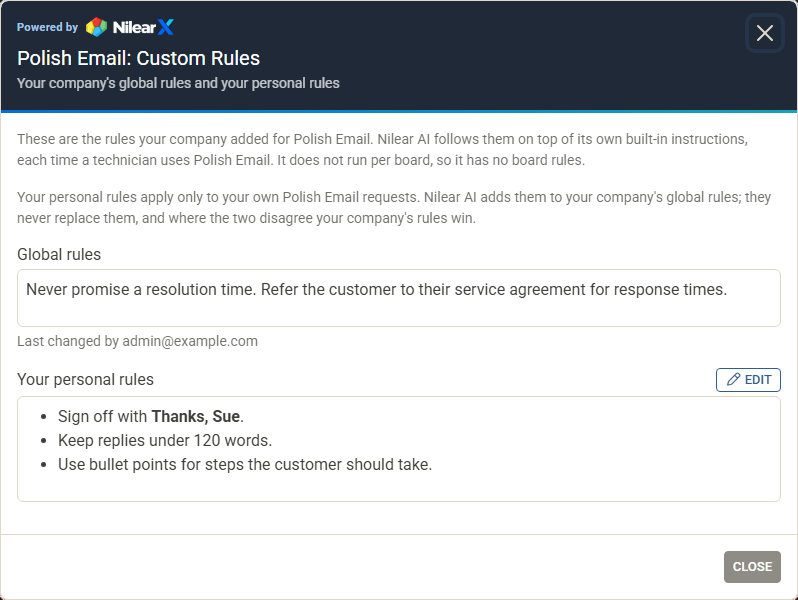
Every member can edit their own rules, and only they can change them; administrators can read them on NilearX's Global Instructions page. They never replace your company's rules: where the two disagree, your company's rules win. Personal rules can be up to 4,000 characters long.